
How Akron Arrests Work
Two agencies split the record-keeping. Akron Police Department polices the city. The Summit County Sheriff's Office runs Summit County Jail. An APD report describes what city officers investigated, in their own words. County custody creates its own entry. The Sheriff's current inmate-roster landing page leads to the Head Count With Photos Report. That report can list the arrest date and time, agency, statute, charge description, housing, bond information, and a booking photo. The agency field shows whether APD made the arrest or another department did.
Akron is the Summit County seat and its largest incorporated city. The April 1, 2020 Census count was 190,469, according to Ohio's governmental-unit population table. The city also holds the jail and the Sheriff's administrative office. Akron Municipal Court and county court offices sit there too. Shared streets do not merge their records. A person can have an APD incident report yet never appear in the county head count. Others stay in jail long after the arrest date.
Where Akron Arrests Appear
Akron publishes no daily arrest roster or mugshot blotter. No single source covers every arrest. Each official record states its own scope. News stories can add context on selected cases, but they cannot show every booking or prove that custody remains current.
| Channel | Photo? | Official? | What it covers |
|---|---|---|---|
| APD report portals | Not a booking-photo feed | Yes | Akron police reports, split by report date |
| Summit jail head count | Yes, when displayed | Yes | People in current county-jail custody |
| Akron Municipal Court | No photo archive | Yes | Municipal criminal and traffic case activity |
| Summit Common Pleas | No booking gallery | Yes | Felony and general-division case records |
| Local news outlets | Sometimes, by story | No | Selected events based on agency and court sources |
The Sheriff PDF is a head count, not an Akron-only arrest list. It is also no dated archive. A released or transferred person may drop off it. APD portals serve a different role. They are report tools, not proof of present custody, and commercial county pages may include Akron incidents, but those are unofficial, can lag, and deserve checking against the Sheriff and the proper court.
Find an Akron Arrest Record
Start with the reason for the search. Is someone in custody right now? Then begin with the Sheriff and the county's Arrested Today explanation. Want to know what APD documented? Use the city portal. The filed charge or its outcome is a court question. The Summit County recent-arrests guide explains the county roster and booking-photo source in full, and following that order keeps a police report from being mistaken for a live jail record.
- Check the official Summit County current roster PDF for county-jail custody and confirm the agency shown.
- Search the correct APD portal by the report's date range and available report details.
- Use Akron Municipal Court for its criminal or traffic case route, or Summit Common Pleas for the relevant felony case.
- Call the APD Records Room or Sheriff Registrar when a new arrest has not yet reached the expected public source.
- Request the underlying record from the agency that created or holds it if the online item is absent.
A fresh booking can lag before it appears. Intake, identification, and report generation all add delay. The county PDF is daily in form, yet the Sheriff promises no set booking-to-publication interval, and releases happen around the clock. A name missing from one version of the report does not by itself mean no arrest occurred.
Akron Police Arrest Reports
The current Akron Police online portal holds reports dated May 11, 2021 or later. It searches police reports, not arrest rosters. A report number speeds things up when you have one. Older events call for the legacy portal. It offers filters such as report number, date range, location, zone or district, street, and crime type. Sensitive reports stay offline. A failed search can reflect access limits rather than a missing report. The official current portal illustrates the city report route:
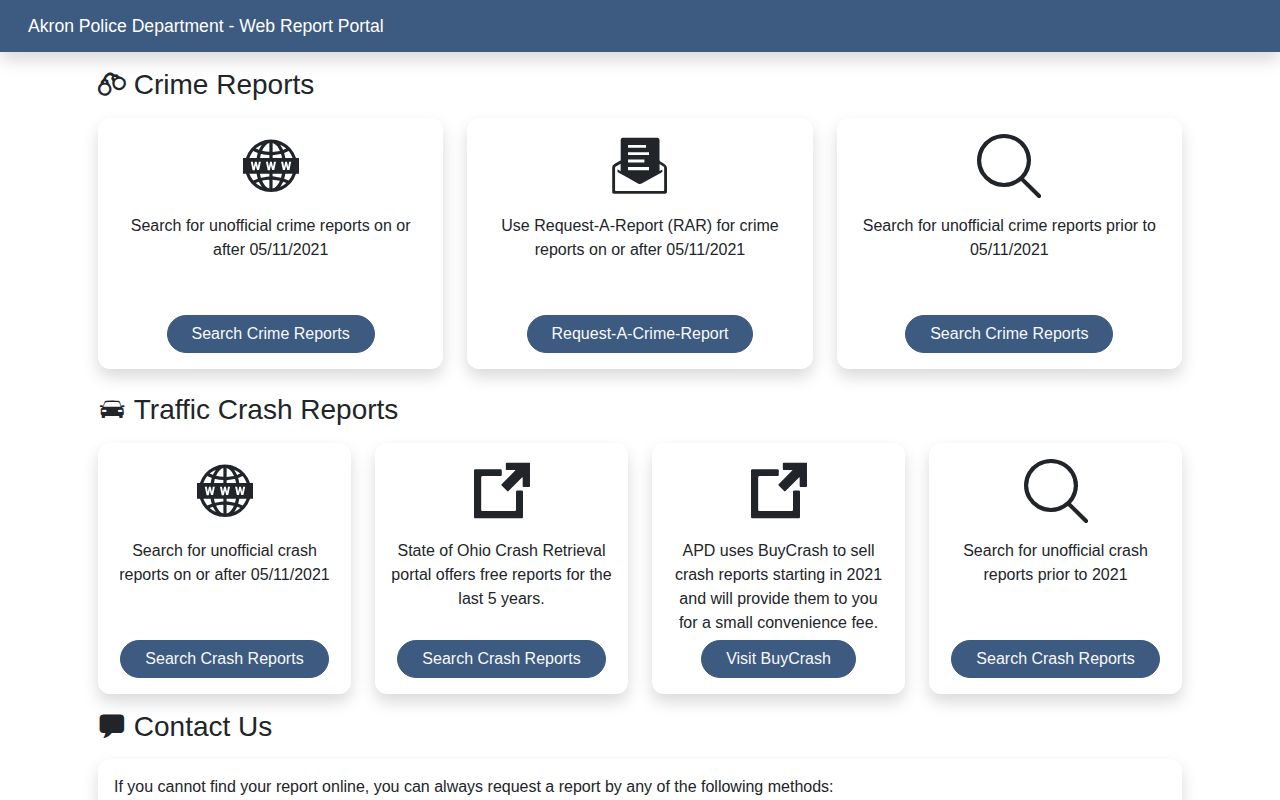
This screen is for APD report access. Read it as a report search, not as a list of people booked at Summit County Jail. For direct help, contact the APD Records Room at 217 S. High Street, Room 208, Akron, Ohio 44308. The phone is 330-375-2950. Email works too: apdrecordsroom@akronohio.gov. Published hours run weekdays, 7:30 a.m. to 4 p.m. Give staff the report number if you have it, plus a clear date, location, and description of the record. Ask which portions are public and how to get a copy.
APD Portal Date Split
Akron splits its report tools by date. The current portal handles reports from May 11, 2021 onward. The legacy APD lookup covers everything earlier. It also publishes broader search filters. Legacy guidance says reports are often processed within 72 hours. Treat that as report-processing guidance only. Jail timing is separate. It does not promise a jail-report appearance on the same schedule. The legacy interface shows how older APD records are searched:
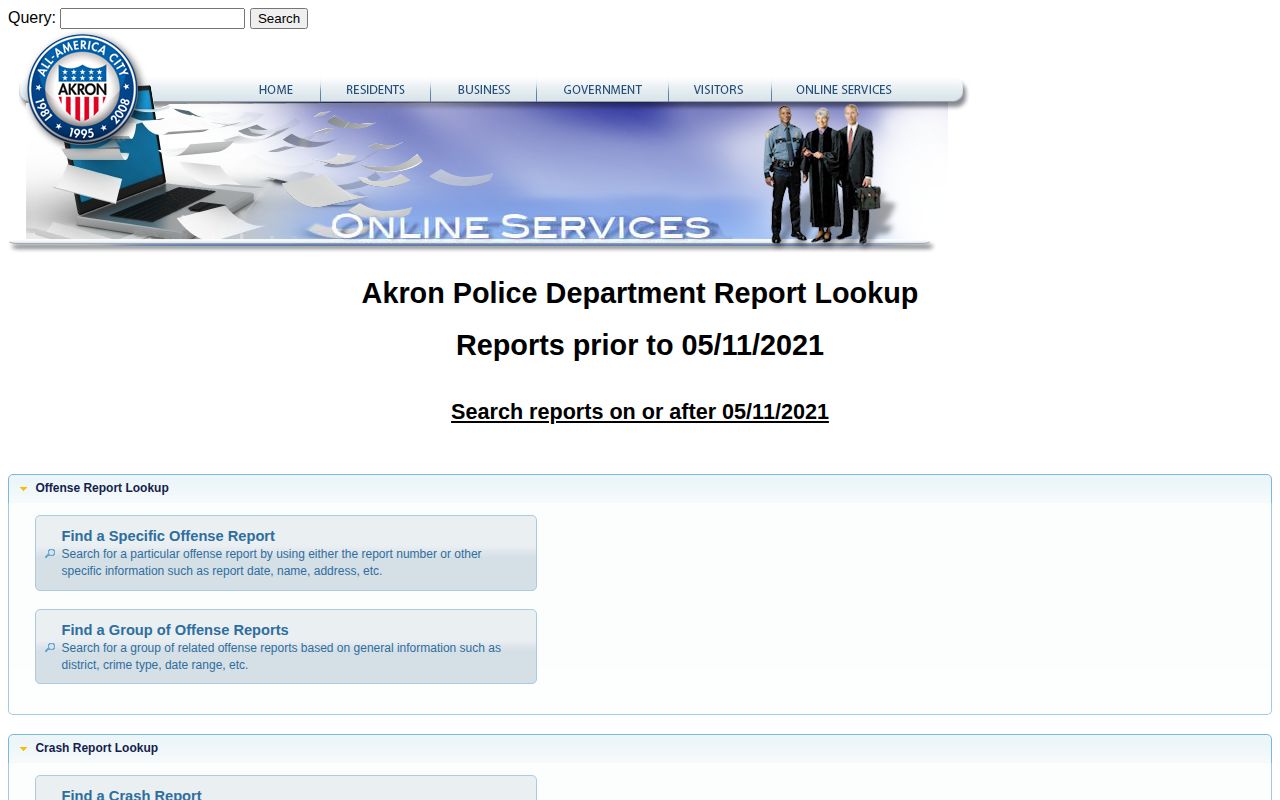
This split is the key Akron timing issue. Police personnel process an incident report on one track, while jail staff handle intake and issue the county head-count report on another. Court clerks open a case record once a complaint, citation, or indictment reaches the proper court. Those events run on different schedules. The older search fields help locate a police report. Current custody still must be confirmed through the Summit County Sheriff, and no one portal replaces all three.
Akron Arrests in County Custody
Akron Police deliver arrestees to Summit County Jail custody. The Sheriff's Head Count With Photos Report is the public view of who is in custody there. It covers the current head count, not just that day's bookings. An arrest date shown can be days old. Names stay listed while cases proceed. The roster page offers no name or booking-number search form, so use your browser's text search inside the PDF.
A missing name deserves a phone call. Try the jail Registrar at 330-643-2200 or the corrections automated line at 330-643-2171. Sheriff Records & ID answers at 330-643-5545 and Records@sheriff.summitoh.net. The booking photo is a custody image. Do not copy or redistribute it as a gallery.
Akron Court Follow-Up
Akron Municipal Court handles city criminal and traffic cases. The courthouse sits at 172 S. Broadway, Akron, Ohio 44308. Call 330-375-2120 for direct help. Its docket is the natural next stop after an arrest. A docket is the court's chronological case record. Expect arraignment entries, bond amounts, later filings, and the disposition, which is simply how the case ended.
Felony matters run through the Summit County Clerk. Start with the division selector, or try the Common Pleas case-name search. That tool wants at least three letters of each name. A Criminal filter narrows the results. Check spelling, case number, and jurisdiction, since common names pull up several matches, and remember that a statute description in the jail PDF reflects only the booking stage.
Akron News Is Selective
Local news picks its cases carefully. Sheriff press releases and SHIELD bulletins cover selected incidents and public-safety events. Neither adds up to a complete Akron arrest log. Cleveland19's local-news section reports some Akron arrests using police statements, court material, Sheriff releases, and Summit Jail information. News 5 covers task forces and major crime through its Akron-Canton and Summit sections. The Akron Beacon Journal crime section helps too. Story access there can be limited.
Treat news as context, never a full count. One story names the arresting agency and county custody. Another centers on court claims or a later development. Read the attribution, then verify custody through the Sheriff and the case result through the court docket. Commercial county arrest sites sit even further downstream, often carrying stale, incomplete, or mislabeled records, and a city name on such a page does not mean Akron Police created the record.
When Akron Arrests Become Visible
No fixed deadline applies online. The Sheriff's source is a current head-count PDF. Intake, identification, record review, and report generation all push an entry back. APD's old 72-hour guidance covers police reports, not the jail roster. That gap explains the separate timing of a police report and a custody entry.
Release timing adds its own wrinkle. The Sheriff processes releases 24 hours a day. Paperwork from morning court may reach the jail later, and release generally follows within another two to three hours. Someone can drop off the current report while the police report and docket still exist. Need an answer fast? Call the Registrar and register with Ohio VINE for custody-change alerts. Neither source serves as a permanent photo archive.
Akron Police Department Location and Directions
Public Record Search
Sponsored Results